Wikis & learning
Create XML using document nodes
When text contains an ampersand, handcrafted XML can be hard to get right. Document nodes keep element names and values separate from the serialized output.
When text contains an ampersand, handcrafted XML can be hard to get right. Document nodes keep element names and values separate from the serialized output.
Walkthrough
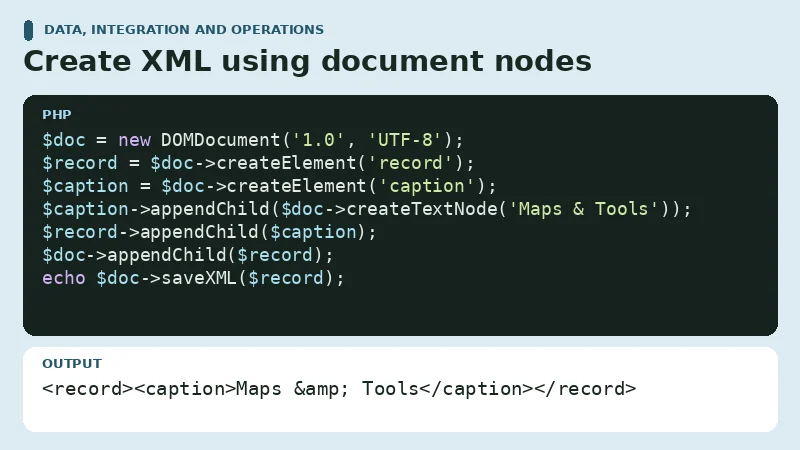
Build the root, create a text node for the value, then append the nodes before serializing the root element. The serializer encodes special characters in the text.
PHP example
<?php
$doc = new DOMDocument('1.0', 'UTF-8');
$record = $doc->createElement('record');
$caption = $doc->createElement('caption');
$caption->appendChild($doc->createTextNode('Maps & Tools'));
$record->appendChild($caption);
$doc->appendChild($record);
echo $doc->saveXML($record);
Expected output
<record><caption>Maps & Tools</caption></record>Change and check
Try changing the title to a phrase containing angle brackets. Inspect the serialized XML and compare the text recovered after parsing it again.
Discussion
Sign in to participate.